A time tracker you actually want to use

Notice how your time goes by, build habits and discover your own little patterns. No corporate complexity — just simplicity, calm and self-care.

Get it onGoogle Play

Free for 14 days, then a subscription. No ads. Android.

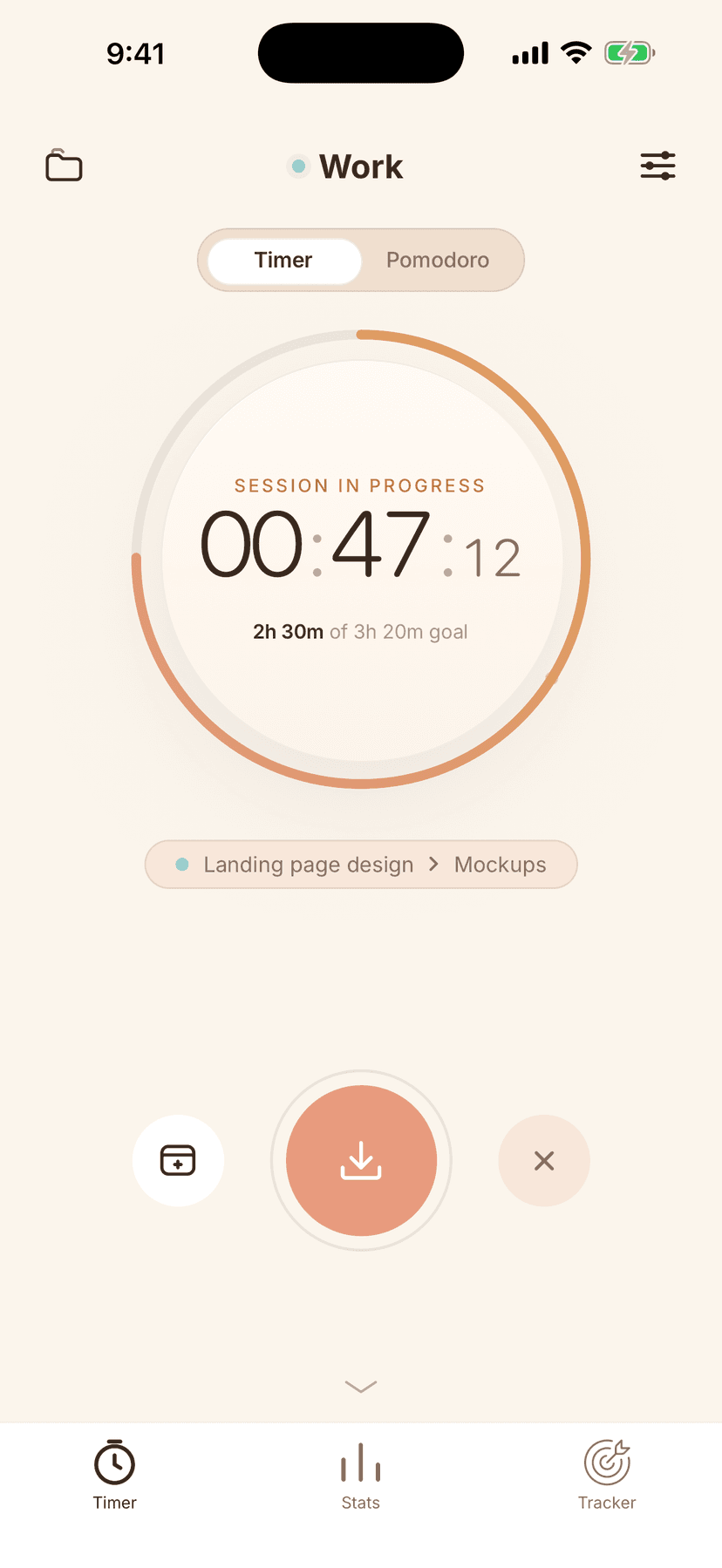
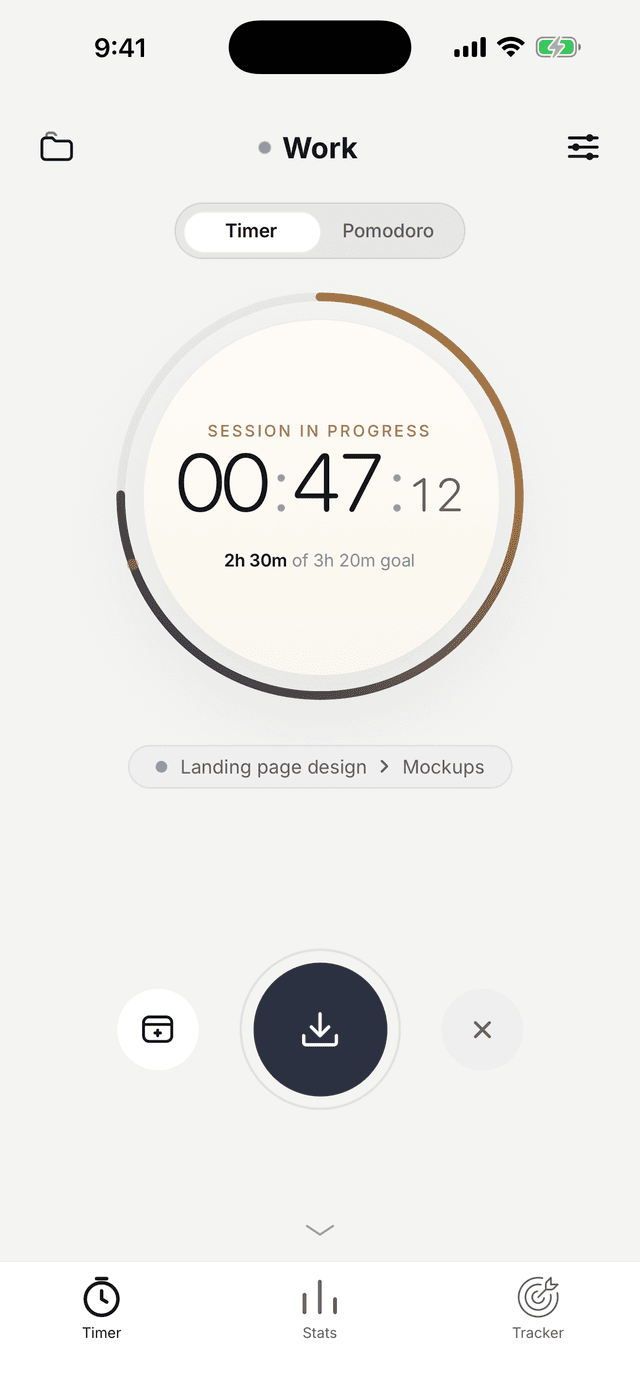
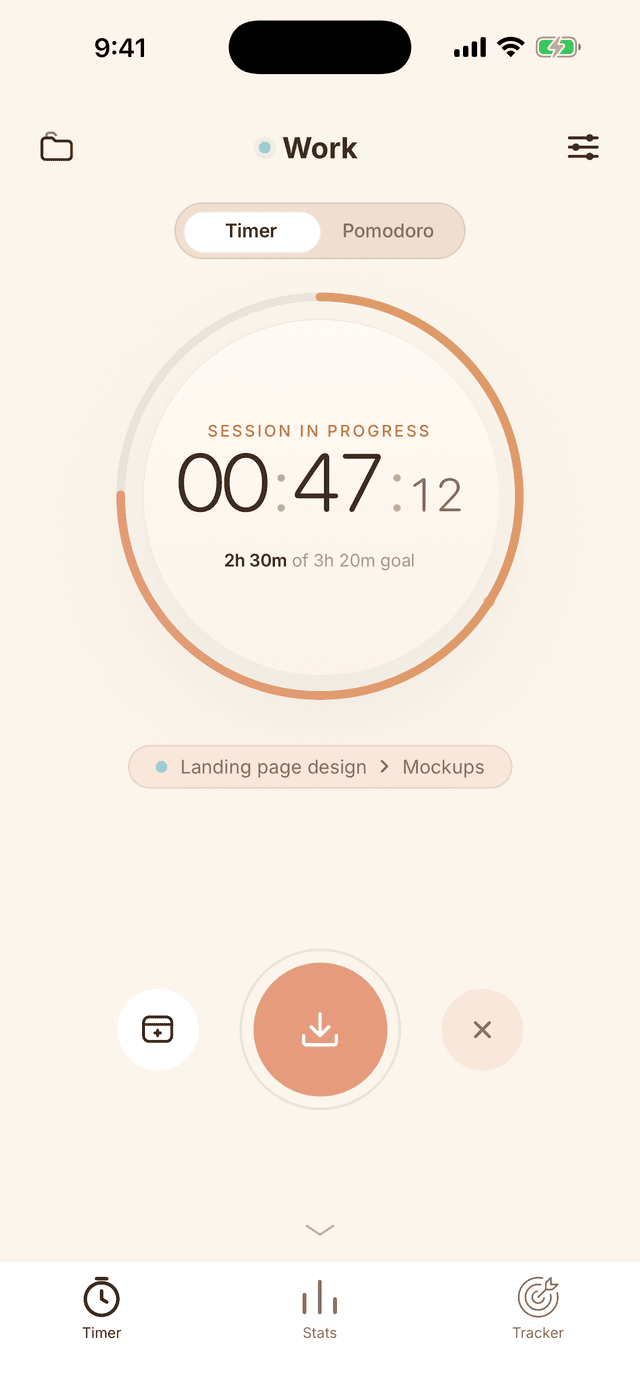
Timer screen in the Time Control app
Timer screen with a session running

Timer

One tap and the clock is running

No forms, no settings. Tap the circle — the app does the counting.

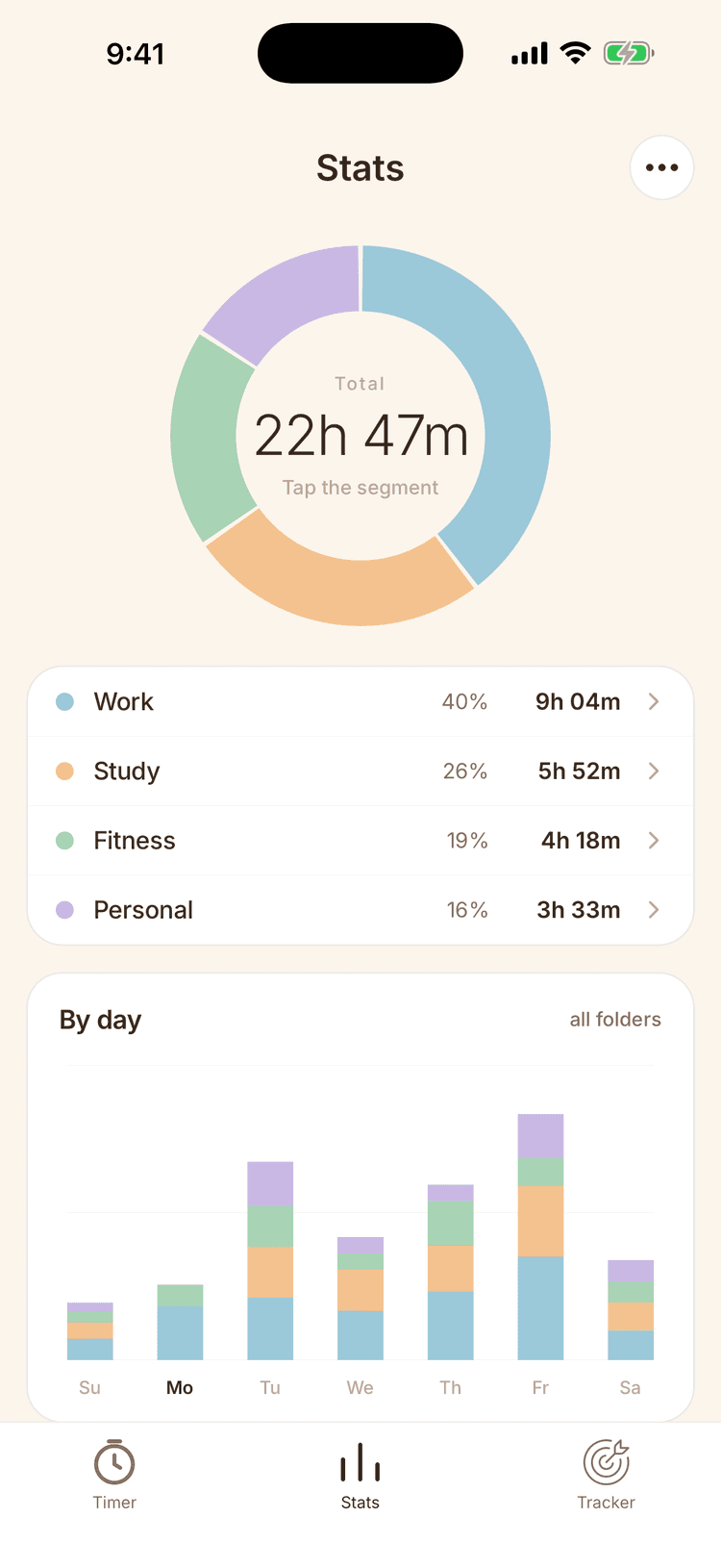
Weekly statistics screen

Statistics

An honest picture of your day

Stats by day, week and month. No judgment — just the way it is.

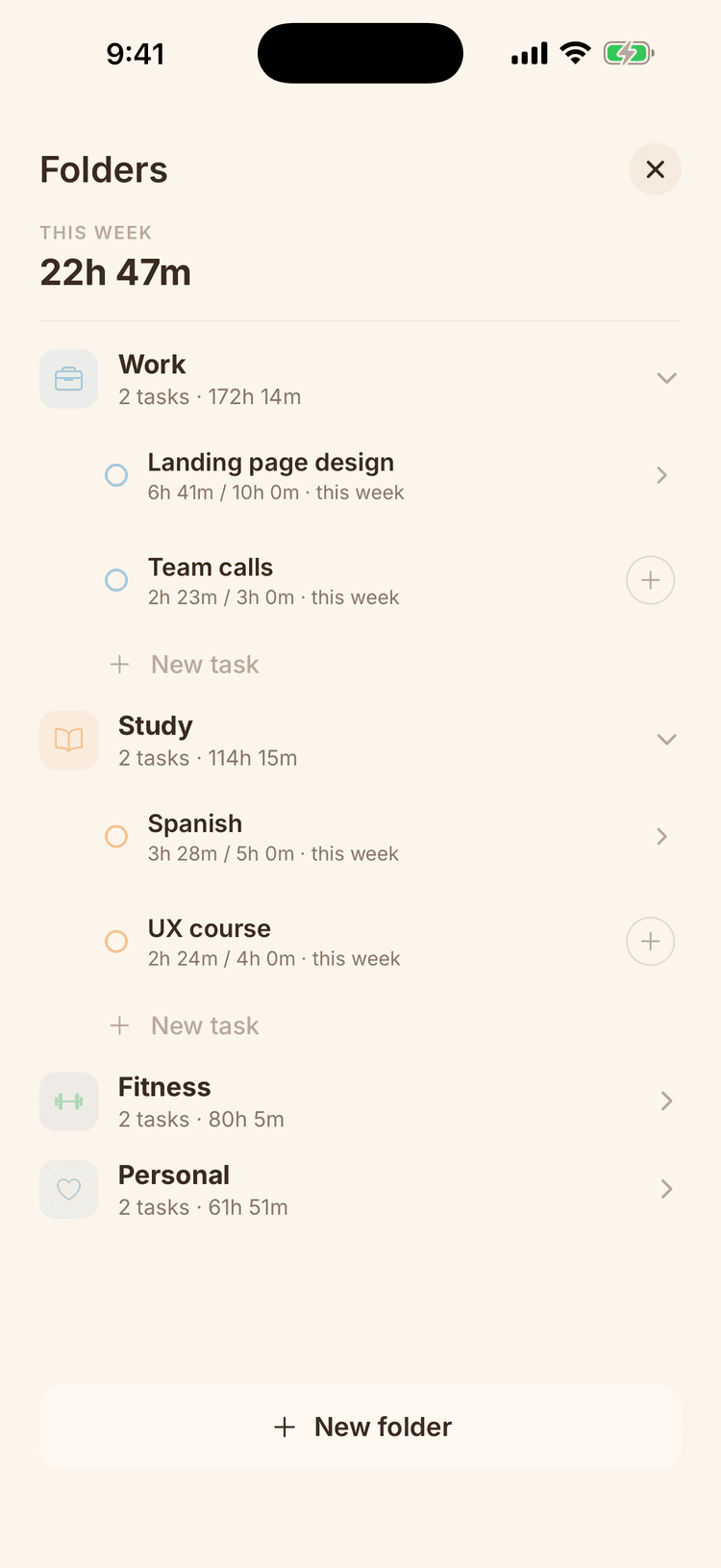
Folders screen with tasks and a weekly goal

Tasks

Everything in its place

Folders, tasks and subtasks with weekly goals. See where your time goes on every project.

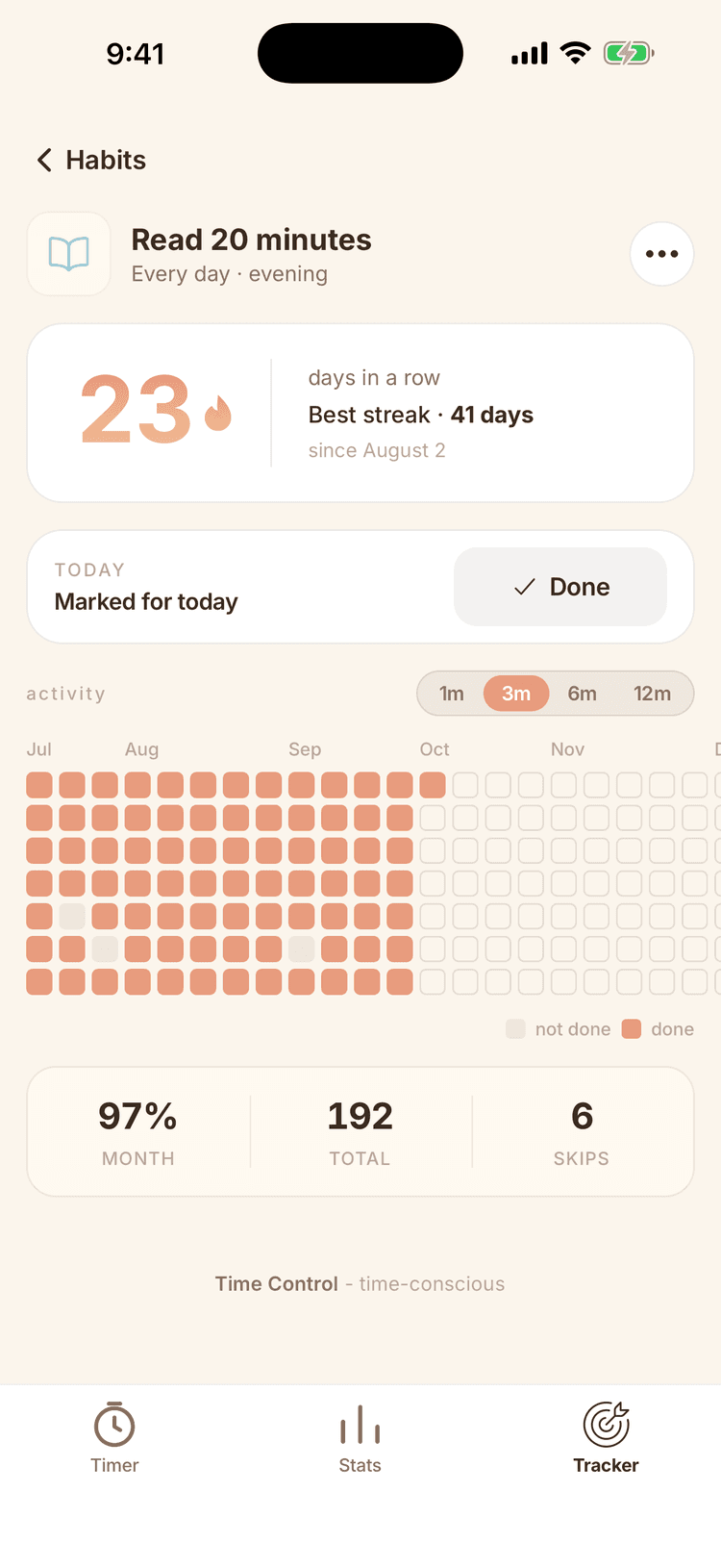
Habit screen with a heatmap and a streak

Habits

Habits you can see

We've added habit streaks and an activity heatmap so you can track your progress.

Features

Time Control doesn't push you to be more productive. It simply gives you an honest look at your day — in a clear, beautiful way.

You log where your time goes and keep track of tasks and habits, and the app turns it into a clear picture that keeps your inner critic from downplaying your progress.

01

Start the timer in one tap

“Logging time is such a hassle, I always forget”

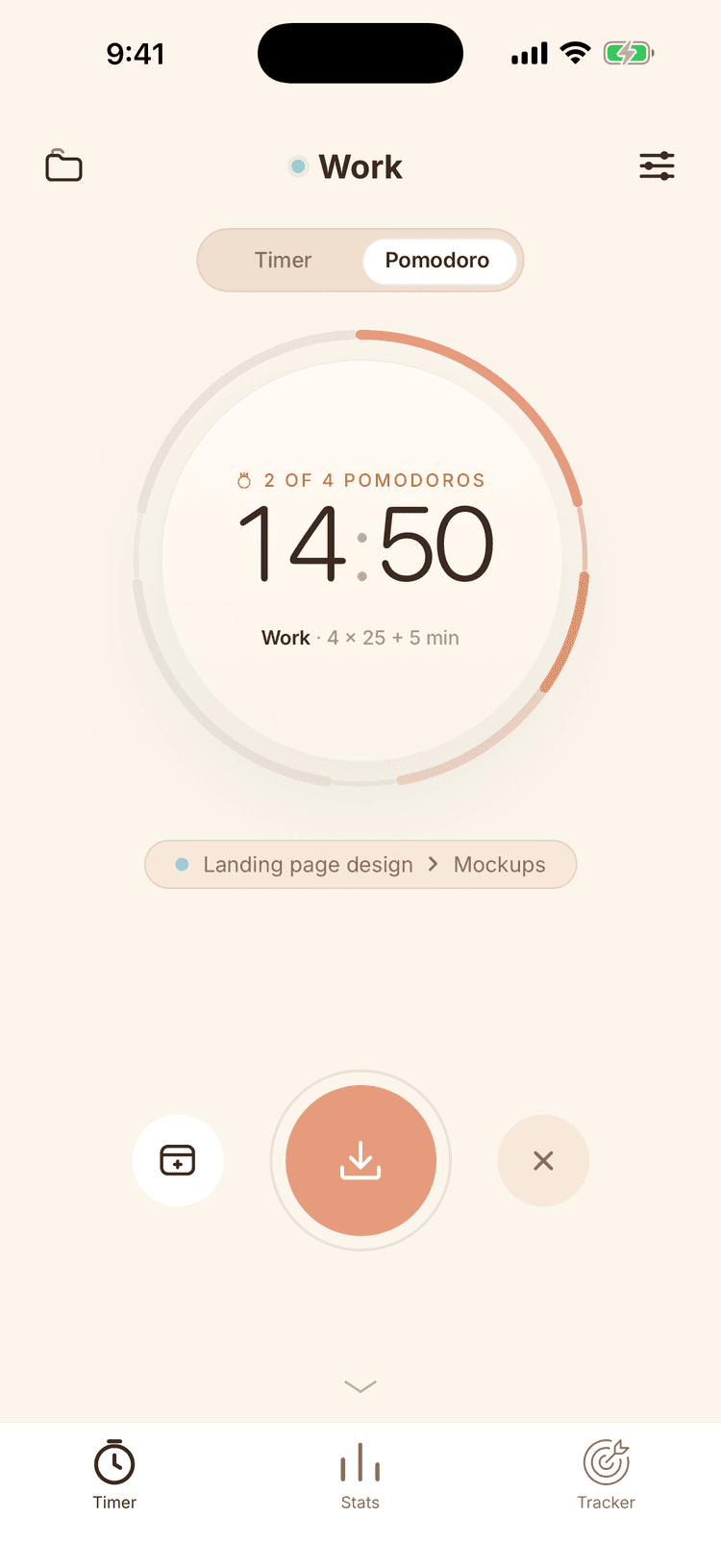
There's nothing to fill in: tap the circle to start the timer, and tap again to save the result. And if you prefer working in intervals, try Pomodoro mode. It's so easy to start that the habit forms on its own.
02

Stats without judgment

“I have no idea where my day goes”

Look at your time by day, week or month. Time Control helps you find your usual patterns, understand yourself better and decide what you want to change.

03

Folders, tasks and goals

“Everything's lumped together — work, studies, projects”

Sort things into folders and tasks, set weekly goals and track progress in each area separately. Find out where your time really goes.

04

Habits you can see

“I start a habit and drop it after three days”

Check off what you've done, extend your streaks and keep an eye on the activity map. When your progress is right in front of you, it's harder to stop.

05

Your entries stay yours

No sign-up, no account. Your time, tasks and habits are stored only on your phone and never go to a server — we can't see what you're doing. Anonymous usage stats only show which features are used, and you can turn them off in Settings.

And it's simply beautiful

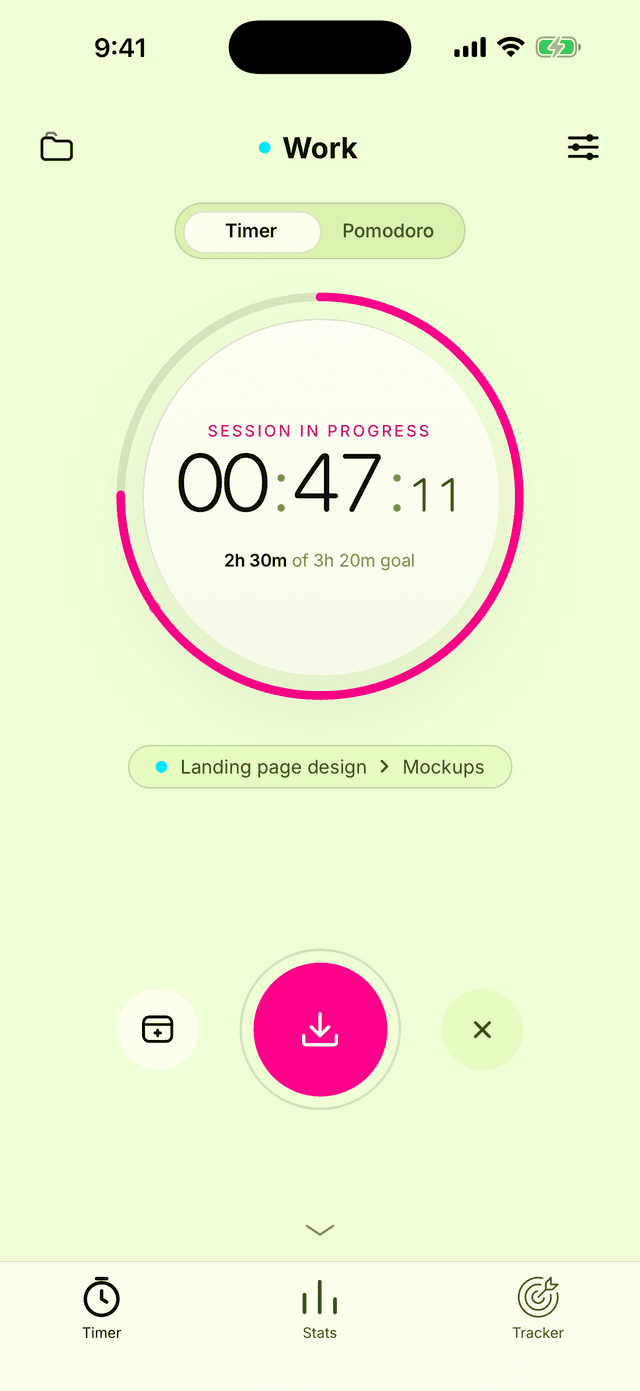
Base, warm or neon theme — pick one to match your mood. We chose the color schemes to be easy on the eyes and comfortable for everyday use.

See themes

Themes

Pick your theme

Base, warm, neon — to match your mood.

  • “Base” theme in the Time Control app

    Base

  • “Warm” theme in the Time Control app

    Warm

  • “Neon” theme in the Time Control app

    Neon

Start now

Start the timer today — in a week, your stats will tell you what's happening with your time.

Get it onGoogle Play